
- Diamond · Pearl
- Platinum
- HeartGold · SoulSilver
- Black · White
- Black 2 · White 2
A look inside
What it does
-
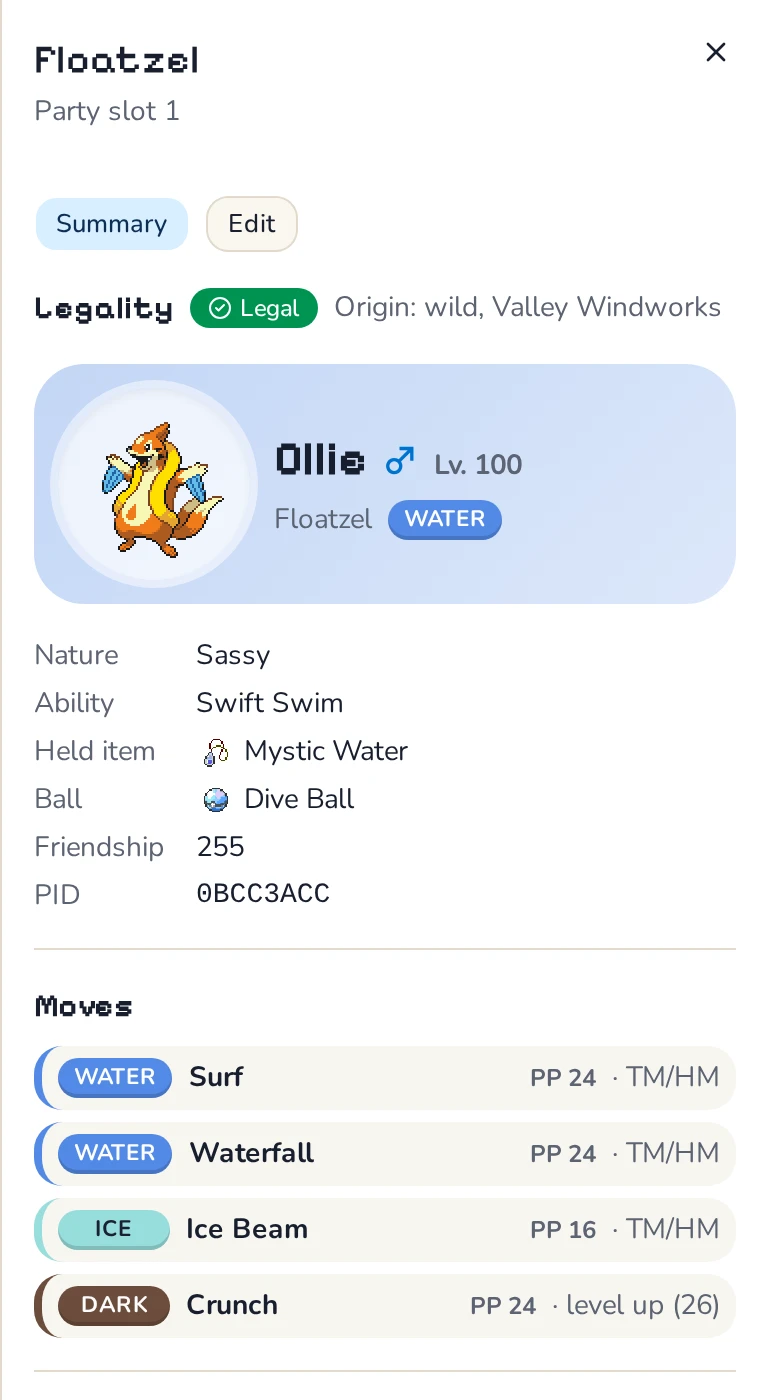
Legality checks
Every Pokémon is checked against the rules PKHeX uses: its origin, moves, IVs and PID, met data and ribbons. The report says which check failed and why.
-
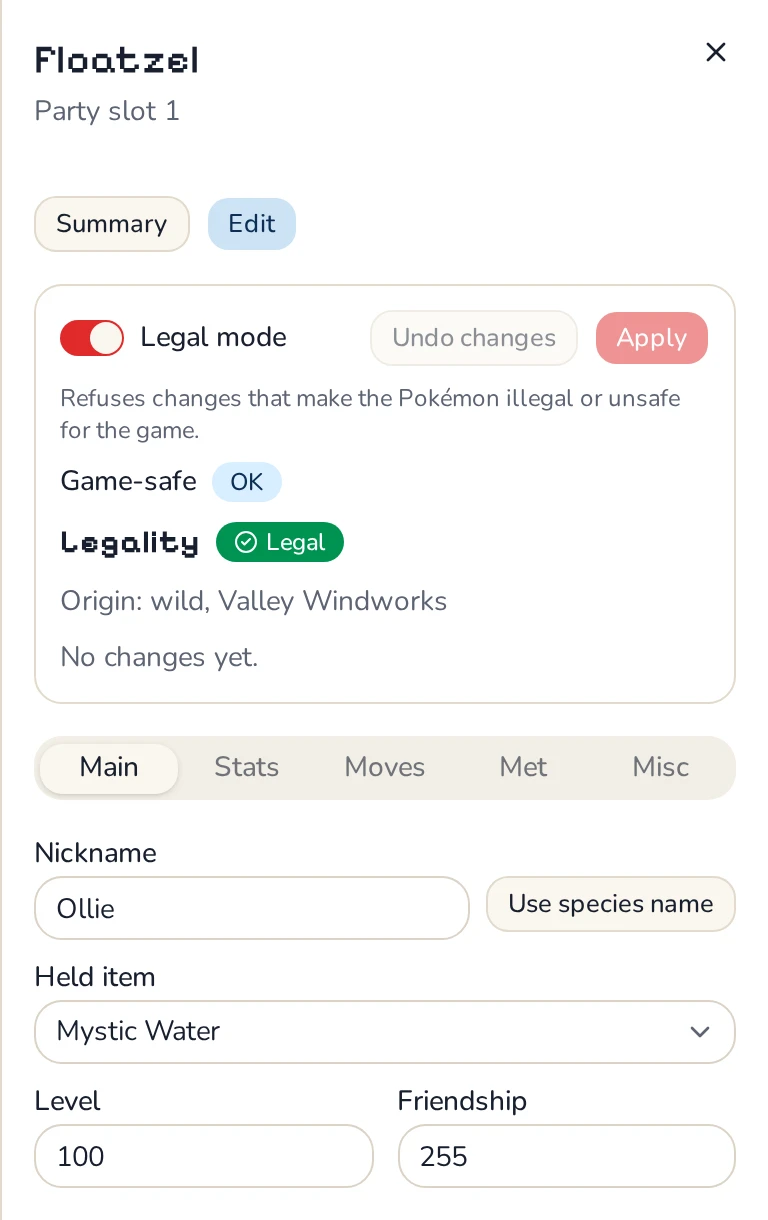
An editor that stays legal
Change levels, moves, IVs and EVs, held items, met data, nicknames and ribbons with a live legality preview. On Gen 4 saves it finds the closest legal IVs for you.
-
Add legal Pokémon
Generate wild encounters (with Synchronize, Cute Charm and the Poké Radar), Gen 4 eggs and hatched eggs the way the games create them.
-
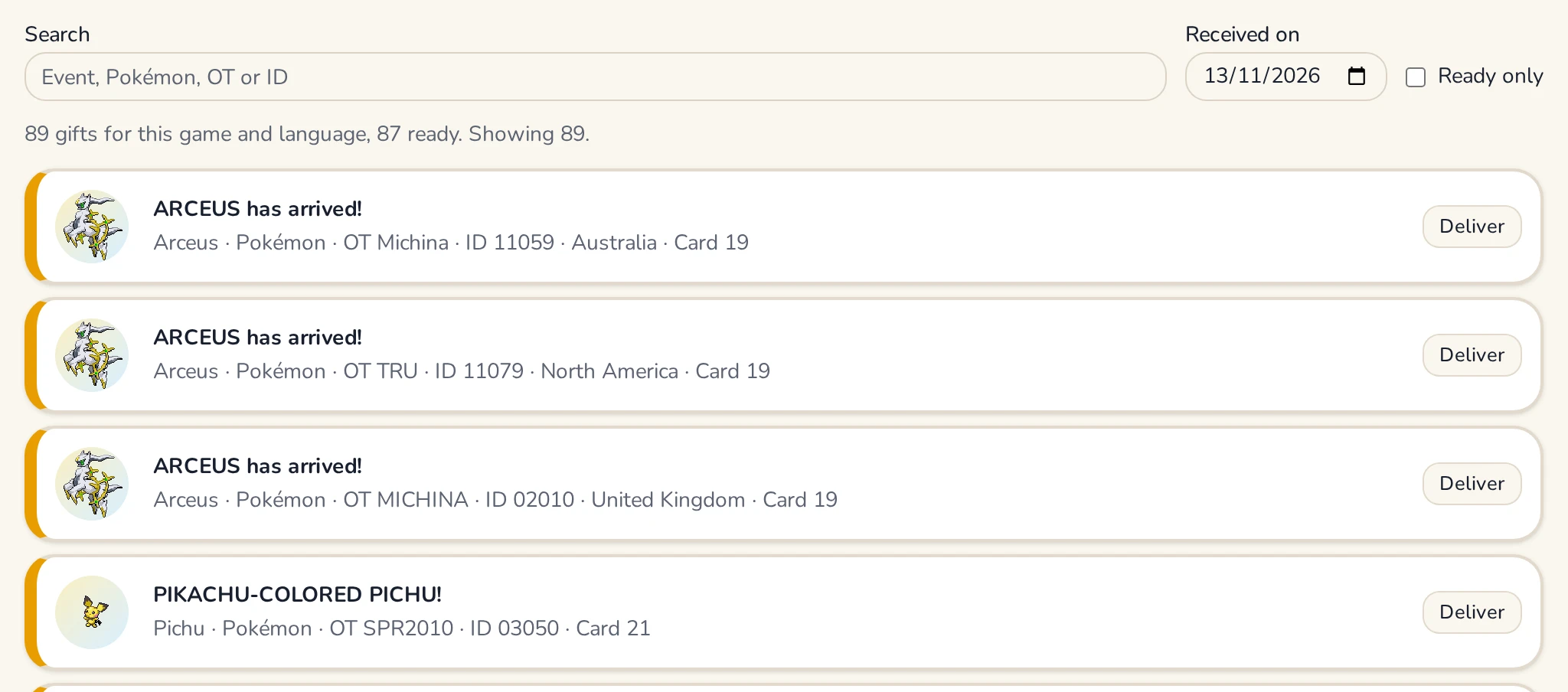
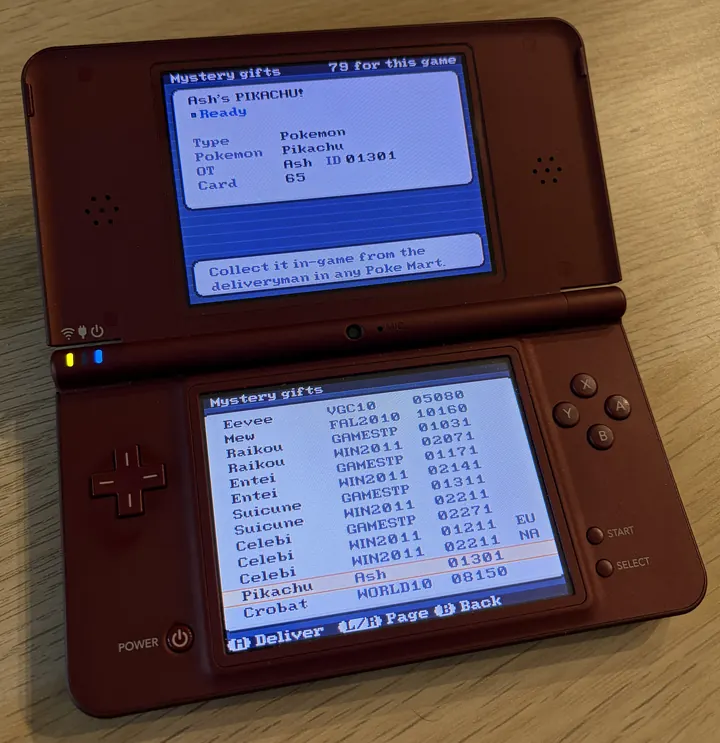
Mystery Gifts
Deliver Wonder Cards and other event gifts as the games do: the card goes in the album and the deliveryman hands the gift over in-game.
-
Bag
Add items and change counts in every pouch. Event items such as the Member Card stay with Mystery Gift, which also unlocks their events.
-
Memory Link and keys
Link a Black or White save into Black 2 or White 2, receive keys from another save, or enable every key.
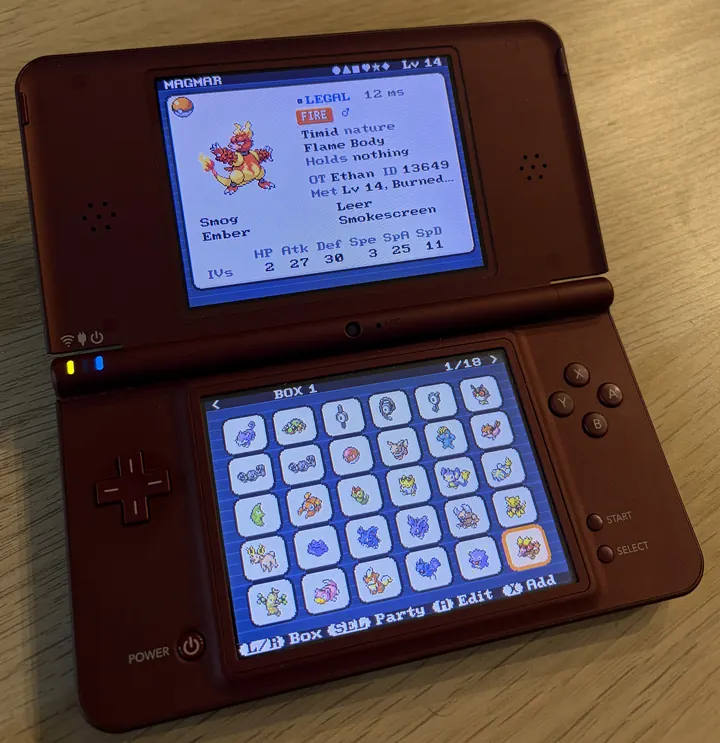
On your DS
Verity also runs as DS homebrew, with the same legality checks and features as the browser version. It edits the saves on your SD card directly, checks each save reads back intact after writing it, and keeps the previous three versions beside it as .bak1 (the newest) to .bak3. To restore one, rename it back to the save's name.
- Step 1
Download verity.nds and copy it to your SD card.
- Step 2
Open it from TWiLight Menu++ or a flashcart, or load it in melonDS.
- Step 3
Pick a save from the card. On first boot Verity builds its fonts and sprites from a Gen 4 or 5 game it finds there, so no Nintendo assets ship with it.
Getting your save
In the browser, Verity opens a raw save (.sav) or a DeSmuME save (.dsv). Where to find yours:
Emulator
melonDS and most emulators keep a .sav beside the game or in a saves folder; DeSmuME and DraStic use .dsv. Close the game first, or the emulator may overwrite your edits when it exits.
TWiLight Menu++ or a flashcart
The .sav is on the SD card, in a saves folder next to the game or beside the game itself.
Game cartridge
Copy the save off the cartridge with Checkpoint on a 3DS or GodMode9i on a DSi, and restore the edited save with the same tool.
In Chrome and Edge, Verity can write the edited save back to the same file after checking it reads back intact; elsewhere it downloads the edited save. Either way, download the original first as a backup.